Smart Home Setup for Seniors Making Technology Work for You
Practical modifications for safety and independence
Smart home technology can make your house more comfortable, safer, and easier to manage as you age. The key is starting with devices that solve real problems in your daily routine, not adding technology for its own sake. This guide walks through the most useful smart home upgrades for older adults, starting with simple, budget-friendly options that require no technical expertise. A note on costs and setup: Prices listed are for equipment only. Most items plug in or connect to your existing WiFi network without professional installation. Items marked "Beginner" work right out of the box. Items marked "Intermediate" may require downloading an app or basic setup steps.
About costs and timeline: Modification costs vary by complexity and location. Start with the most essential changes first and plan for professional installation of structural modifications.
1
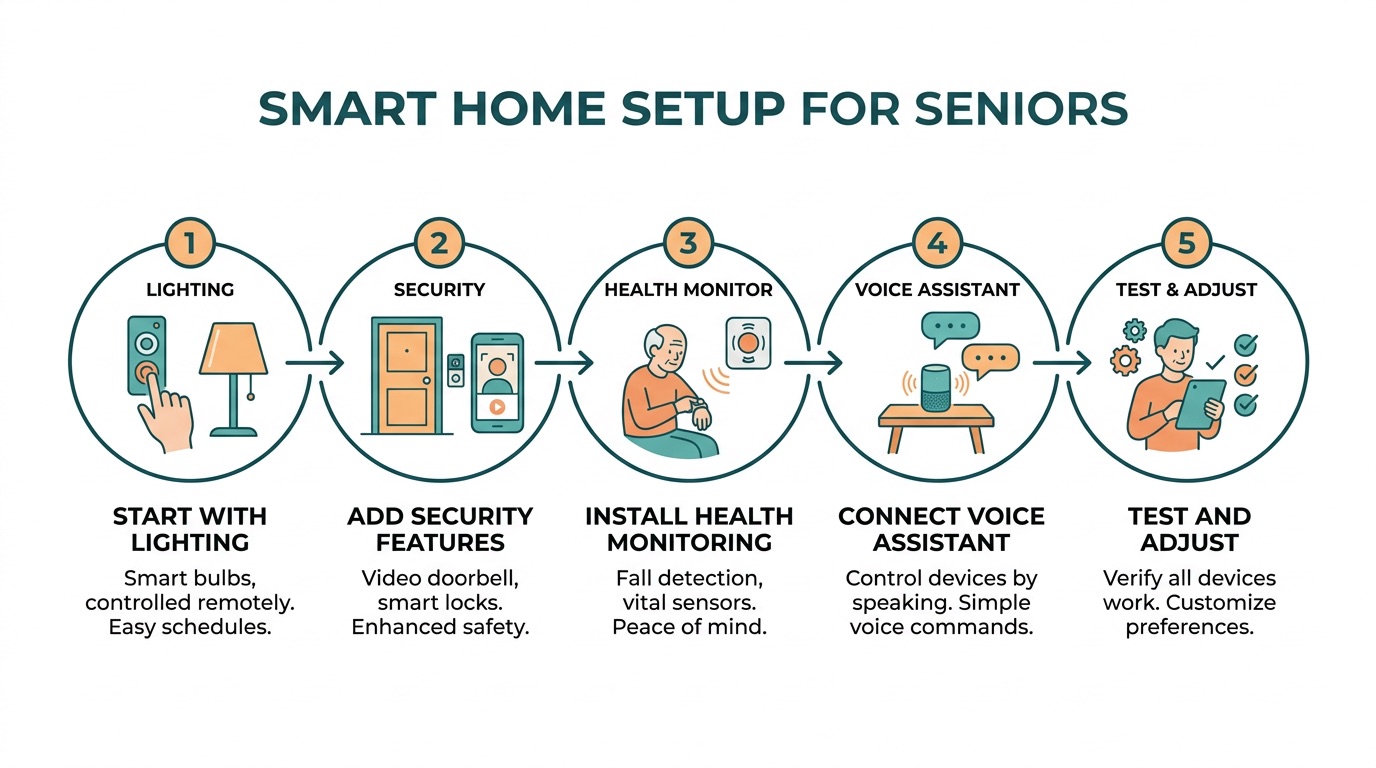
Lighting: See Better, Move Safer
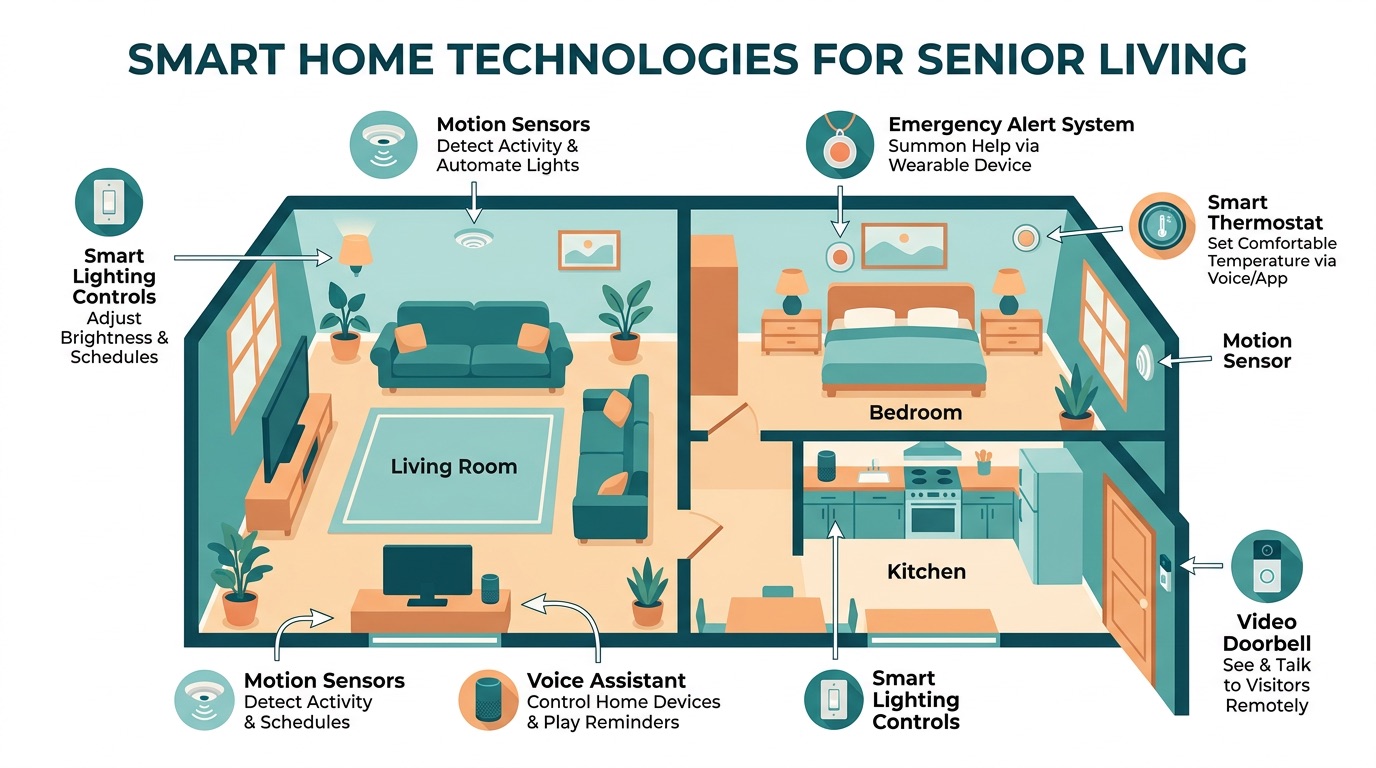
Motion-sensor night lights
$8–20 for a two-pack · Beginner
Plug into hallway outlets between your bedroom and bathroom. They turn on automatically when you walk past and shut off after you leave. No switches to fumble for at 2am.
Smart light bulbs for main living areas
$12–25 per bulb · Beginner
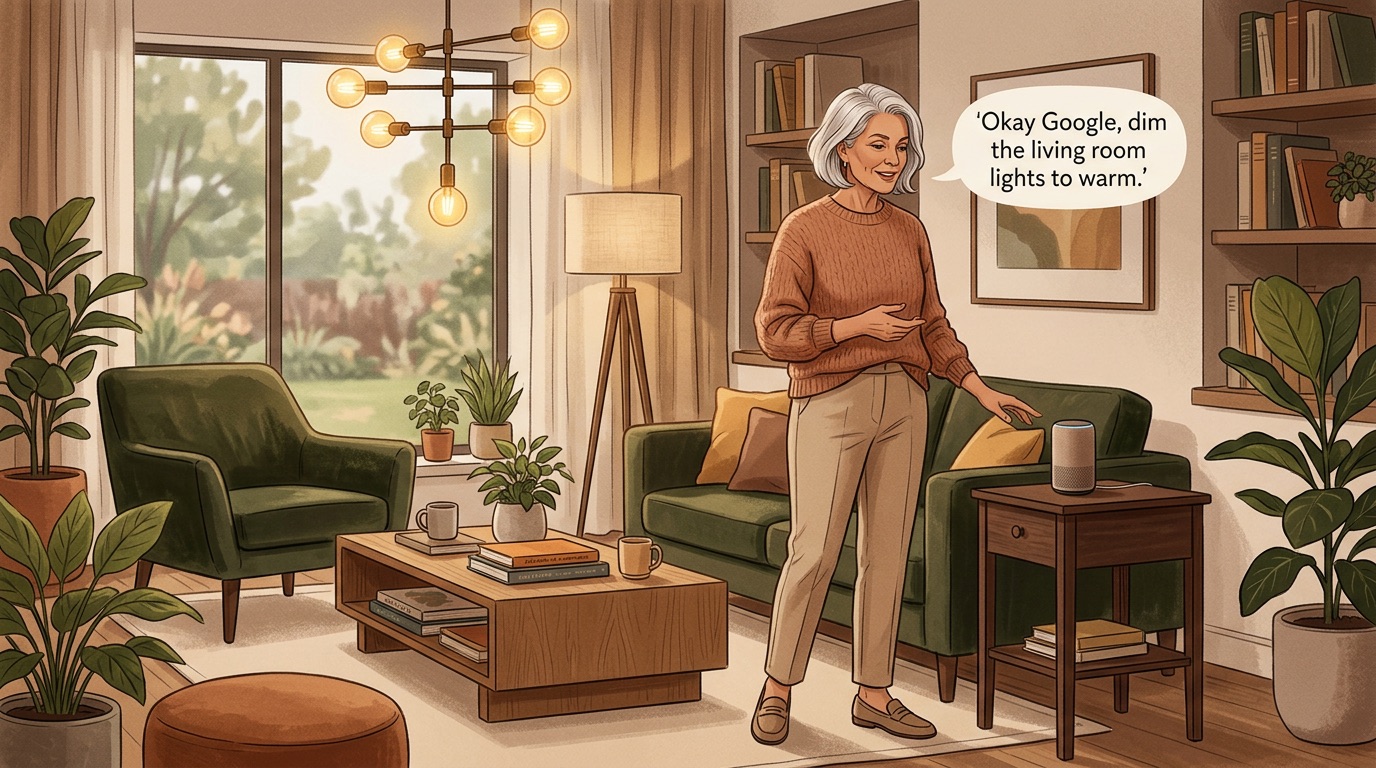
Replace regular bulbs in your most-used lamps and fixtures. Control brightness with your voice or a smartphone app. Dimming lights gradually in the evening can help with sleep. Look for daylight temperature bulbs (5000K) for reading areas.
Voice-controlled lamp or overhead light
$15–40 for smart switch · Intermediate
"Turn on the kitchen light" is easier than walking across a dark room to find the switch. Smart switches replace your existing wall switches and work with voice assistants.
Automatic porch light
$20–50 · Intermediate
A smart outdoor light that turns on at sunset and off at sunrise. Useful for evening walks or when someone visits after dark. Some models include motion detection for added security.
Lighting: See Better, Move Safer visual guide
2
Safety and Security: Peace of Mind
Video doorbell
$50–150 · Intermediate
See who's at the door from your smartphone or tablet without getting up. Useful for screening visitors and avoiding door-to-door sales calls. Most models store video for a few days.
Smart smoke and carbon monoxide detectors
$80–120 each · Beginner
Send alerts to your phone if they detect smoke or carbon monoxide, even when you're away from home. Particularly valuable if you spend time in the basement, garage, or other areas where you might miss hearing a standard detector.
Medical alert pendant with fall detection
$30–60 monthly · Ready to use
Modern medical alert systems detect falls automatically and can call for help even if you're unconscious. Some work anywhere in the house, others include GPS for use outside the home.
Smart door locks
$100–250 · Intermediate
Unlock your door with a code instead of fumbling with keys. Useful if arthritis makes keys difficult or if you want to let family members in without hiding spare keys. Most models include traditional key backup.
Indoor security camera for main living area
$30–80 · Beginner
Lets family members check in on you without calling, and provides video evidence if you fall or need emergency help. Place in a central area like the living room or kitchen, avoiding private spaces.
Safety and Security: Peace of Mind visual guide
3
Comfort and Convenience: Daily Life Made Easier
Voice assistant (Amazon Echo or Google Nest)
$30–100 · Beginner
Control lights, set medication reminders, ask for weather updates, play music, or call family members using voice commands. Useful when your hands are full or you're across the room.
Smart thermostat
$100–250 · Professional installation recommended
Programs heating and cooling automatically and can be controlled from your phone. Helpful if you forget to adjust the temperature before leaving home or want to warm the house before getting out of bed.
Medication reminder system
$20–100 · Beginner
Smart pill dispensers that beep when it's time to take medication and send alerts to family members if doses are missed. Some models lock automatically to prevent double-dosing.
Voice-controlled music system
$50–200 · Beginner
"Play classical music" or "Play songs from the 1960s" without managing CDs or radio stations. Many older adults find that familiar music improves mood and reduces feelings of isolation.
Smart plugs for lamps and appliances
$8–15 each · Beginner
Turn regular lamps, fans, or small appliances on and off with voice commands or smartphone apps. Useful for bedside lamps, coffee makers, or space heaters.
Comfort and Convenience: Daily Life Made Easier visual guide
4
Health Monitoring: Track What Matters
Smart scale with health tracking
$30–80 · Beginner
Measures weight, body fat percentage, and muscle mass. Tracks trends over time and can share data with family members or healthcare providers. Useful for monitoring changes that might indicate health issues.
Blood pressure monitor with smartphone connection
$50–120 · Beginner
Takes readings and stores them automatically in a smartphone app. Eliminates the need to write down numbers and makes it easy to share data with your doctor.
Sleep tracking device
$50–200 · Beginner
Monitors sleep quality, duration, and patterns. Poor sleep affects balance, memory, and overall health. Tracking data can help identify issues to discuss with your healthcare provider.
Emergency contact system
$20–50 monthly · Ready to use
Connects you to emergency services or family members with the press of a button. Modern systems work throughout the house and some include GPS tracking for outdoor activities.
5
Budget-Friendly Starting Points
Under $50 total:
Budget option
- Motion-sensor night lights for hallways. - Smart plugs for two bedside lamps. - Basic voice assistant for music and weather.
Under $150 total:
Budget option
- Everything above, plus smart light bulbs for main living areas. - Simple medication reminder system.
Under $300 total:
Budget option
- Everything above, plus video doorbell. - Smart thermostat (with professional installation).
6
Free Resources
AARP Foundation Technology Training
Free resource
Free online and in-person classes on using smartphones, tablets, and smart home devices. Search "AARP tech training" plus your city name.
Area Agency on Aging Technology Programs
Free resource
Many local agencies offer free or low-cost technology training specifically for older adults. Find yours at eldercare.acl.gov.
Best Buy Senior Support
Free resource
Free in-store consultations and setup help for technology purchases. Many locations offer special hours for older adult customers.
YouTube University
Free resource
Search "[device name] setup for seniors" for step-by-step video tutorials. Many channels specialize in explaining technology clearly for older adults.
Local Library Technology Classes
Free resource
Most public libraries offer free classes on smartphones, tablets, and basic smart home setup. Call your local branch for schedules.
Manufacturer Customer Support
Free resource
Amazon, Google, and Apple all offer free phone support for their smart home devices. Keep these numbers handy: Amazon (1-877-375-9365), Google (1-855-971-9121).
Key Tips
Start with the most important modifications first based on your current needs.
Consider both immediate safety and future accessibility when making changes.
Get multiple quotes from qualified contractors for major modifications.
Check with your insurance about coverage for medically necessary modifications.